
Full-system scanners with the bi-directional capability, service functions, and live data a serious home mechanic actually needs
There is a clear dividing line in the OBD2 scanner market between tools built for reading codes and tools built for actually fixing cars. If you are doing your own brake jobs, swapping sensors, resetting service lights, or chasing intermittent faults on your driveway, you sit firmly on the second side of that line and the tool you need reflects that.
This guide is for the DIY home mechanic who has outgrown basic code readers and wants a scanner that works the way a professional shop scanner does: full system access, bi-directional component testing, live data that you can actually interpret, and service functions that eliminate the need to visit a dealer for routine resets. We cover seven scanners that compete seriously in this space, rank them honestly, and tell you exactly who each one is built for.
Quick-Pick Summary
Here is where each scanner wins before we get into the details:
| Category | Pick | Why |
| Best Overall | YOUCANIC UCAN-II Pro | Full system, bi-di, AI guidance, no subscription, US support |
| Best App-Based | BlueDriver Pro | Top-tier repair reports, great app, no bi-di |
| Best Mid-Range Budget | Mucar CDE900 Pro | Bi-di + full system under $200, watch update fees |
| Best for Brand-Specific Depth | Autel MK808BT Pro | Strong OEM-level coverage, ~$125/yr after Yr 2 |
| Best Professional Tablet | Topdon Phoenix Lite 2 | Shop-grade depth, high cost + subscription |
| Best Single-Brand Value | ThinkCar ThinkDiag 2 | Low entry price brand unlock fees add up |
| Best Engine-Only Backup Tool | Foxwell NT301 Plus | Solid read/clear for engine codes, no full system |
* ThinkCar ThinkDiag 2 hardware price only brand-unlock fees apply per vehicle make
What a DIY Home Mechanic Actually Needs from a Scanner
A home mechanic’s requirements are different from a casual car owner’s. You are not just asking ‘what is wrong?’ You are using the scanner as part of the repair process itself. That changes everything about what the tool needs to do.
- Bi-directional controls: The ability to command components to activate an ABS pump, cycle injectors, retract an electronic parking brake, test a cooling fan relay is the single biggest gap between code readers and real car diagnostic tools. Being unable to do it, you are diagnosing by elimination instead of by confirmation.
- Comprehensive live data: Graphing multiple PIDs simultaneously, fuel trims, O2 sensor voltage, misfire counts, transmission temps while the car is running is how intermittent faults get caught. Text only live data is a step down from a graphical display for this kind of work.
- Service and maintenance functions: Oil service reset, battery registration after a replacement, electronic parking brake retraction for rear brake jobs, TPMS relearn after a tire rotation, ABS bleeding, throttle body relearn, and DPF regeneration on diesel vehicles. These are the functions that save a dealer trip on every service.
- Full system coverage: Every module, not just the engine. The ABS, SRS/airbags, transmission, body control, TPMS, climate, sunroof, and hybrid battery. A home mechanic encounters all of them.
- Coding basics: Injector coding after a replacement, battery coding so the charging system adapts, TPMS sensor programming, and basic key functions cover the majority of coding scenarios a DIY mechanic faces.
- Reliable updates without a punishing subscription: Software needs to stay current as new model years roll out. The question is whether that comes free, at a reasonable one-time cost, or as an annual tax that compounds over the life of the tool.
The Scanners: Full Reviews
1. YOUCANIC UCAN-II Pro — Best Overall for DIY Home Mechanics

| Why It Wins
The YOUCANIC UCAN-II Pro hits every requirement a serious home mechanic has full system coverage, strong bi-directional testing, 40+ service functions, built-in AI diagnostics, and free lifetime updates without a subscription fee, brand-unlock charges, or a learning curve that requires a shop background. It is backed by a US-based team and one of the deepest free repair resource libraries available online. |
Built by YOUCANIC, a Maryland-based company founded in 2016, the UCAN-II Pro was designed from the ground up for the DIYer and independent mechanic, not the dealer. The platform behind it reaches over 6 million visitors annually through free repair guides, diagnostic walkthroughs, and vehicle specific how to videos that tell you what to do after the scanner finds something.
Bi-directional and active tests: The UCAN-II Pro commands components to activate for real time testing: ABS pump, throttle body, fuel injectors, cooling fans, EGR valves, EVAP solenoids, electronic parking brake, air suspension compressors, and more. For a home mechanic chasing an intermittent fault or confirming a part is genuinely bad before ordering, this is essential.
Live data: Graphical live data display across virtually all sensors, fuel trims, O2 sensors, misfire data, throttle position, ABS wheel speed sensors, transmission temperatures, and hybrid battery cell values. Record, replay, and compare data runs directly on the device.
Full system coverage: Every module on every supported vehicle engine, transmission, ABS, SRS, TPMS, body control, climate, sunroof, air suspension, and hybrid systems. Covers 99% of vehicles from 1996 to present across all major American, European, and Asian makes. Over 100 car makes supported.
40+ service functions: Oil service reset, battery registration, electronic parking brake retraction (essential for rear brake jobs on modern vehicles), ABS bleeding, TPMS relearn, DPF regeneration, throttle body relearn, steering angle calibration, injector coding, sunroof and window initialization, AdBlue reset, and more.
Built-in AI guidance: Every trouble code is accompanied by on device AI that explains the fault in plain language, lists the most likely real world causes, and tells you what to check first. This runs without internet and without a subscription, a feature no other scanner in this guide includes.
Coding: Handles the coding scenarios most home mechanics encounter: injector coding after replacement, battery coding, TPMS sensor programming, and select key functions. As of 2026, online coding and SCN coding for deep European module programming are not supported for those rare advanced scenarios; a brand specific dealer tool is still required.
No subscription, free lifetime updates: Software updates roll out free for the lifetime of the device. No annual renewal, no brand unlock fees, no paywalled features. The UCAN-II-C hardware (current version) doubles the memory and storage of earlier units and adds approximately 25% more battery capacity.
US-based company and support: YOUCANIC is headquartered in Towson, Maryland. Phone, email, and chat support are available, staffed by a team that knows the tool and the vehicles it runs on. For a home mechanic troubleshooting a coverage question on a specific vehicle, this is not a small thing.
Price: approximately $400–500. No ongoing fees.
2. BlueDriver Bluetooth Pro — Best App-Based Scanner

BlueDriver is the most refined phone based OBD2 scanner on the market. The app is genuinely excellent intuitive, well organized, and backed by a repair database that returns verified fixes for specific codes on specific vehicles. For a home mechanic who prefers working from a smartphone screen and does not need to command components, it is hard to beat at $100.
What it does well: Full system diagnostics across engine, ABS, airbag, and transmission on most makes. Graphical live data with good PID selection. Repair Reports pull real world fixes verified by professional mechanics and filtered to your vehicle’s year, make, and model not generic code definitions. Works on both iOS and Android with no subscription.
Where it falls short for a home mechanic: No bi-directional controls. You cannot activate any component, which means you are confirming faults by reading data rather than by testing components directly. Service functions are limited compared to purpose built scan tools. For example, doing rear brake jobs on a vehicle with electronic parking brakes or need to register a new battery, the BlueDriver won’t be able to do that.
Real-world use case: In cases like diagnosing a check engine light, reading ABS or airbag codes before ordering parts, monitoring live O2 sensor data, and running I/M readiness checks before an emissions test. The BlueDriver is excellent for these tasks, but it is not a replacement for a bi-directional scanner on a vehicle you regularly service.
Price: approximately $100. No subscription fees.
3. Mucar CDE900 Pro — Best Mid-Range Budget Option
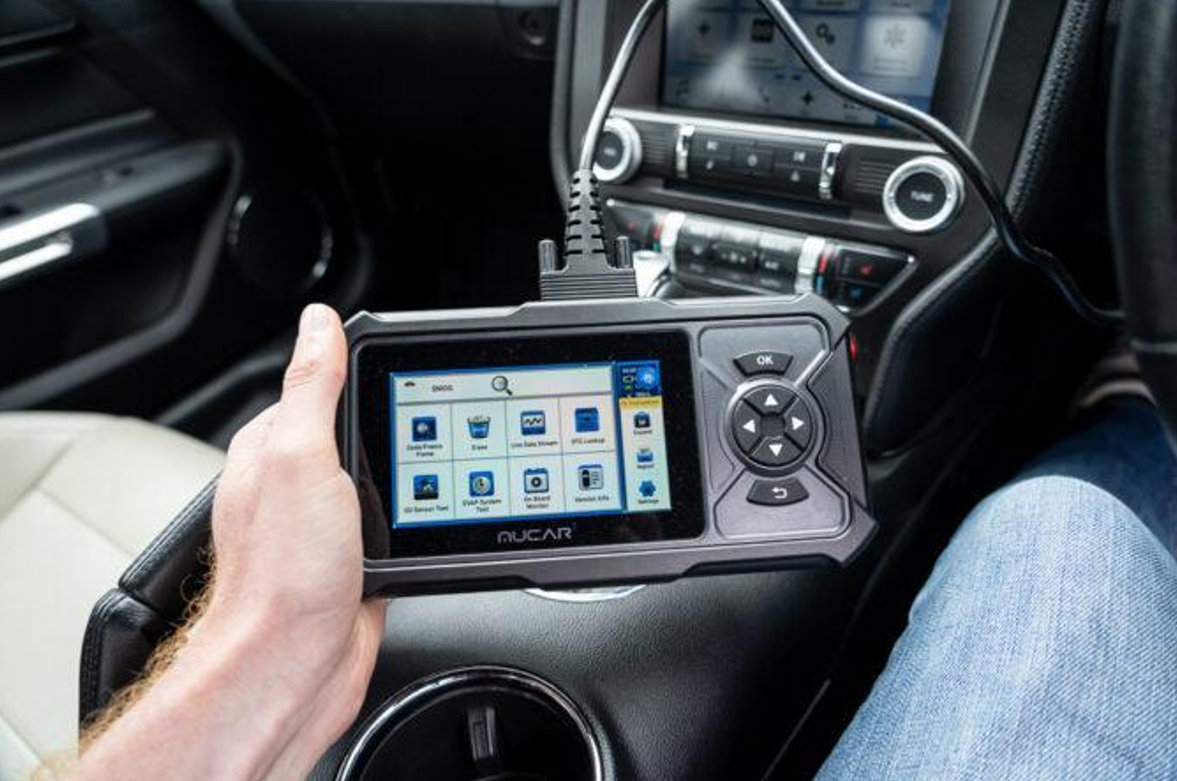
The Mucar CDE900 Pro has become one of the more talked about options in the $150–$250 range, offering a combination of full system diagnostics, bi-directional capability, and 30+ service functions at a price well below most comparable tools. For a home mechanic on a tighter budget, it deserves serious consideration.
What it does well: Full system coverage across most major domestic and import makes. Bi-directional active tests for component testing. 30+ service functions covering the most common maintenance, such as resetting oil, battery, TPMS, ABS bleeding, EPB retraction, and more. Graphical live data. The Mucar interface is reasonably intuitive, and the hardware is solid for the price point.
Where it falls short: The software updates are paid after the initial period, you will have to keep paying to use it, and that erodes the value proposition over time. Vehicle specific coverage depth is not as consistent as YOUCANIC or Autel on some European makes. It also has no integrated repair guidance or video resources. Mucar is not US-based and can create friction when troubleshooting compatibility questions.
Real-world use case: A home mechanic who works primarily on domestic vehicles needs bi-directional capability and wants to keep upfront costs below $250. Factor the update costs into the total cost of ownership calculation before purchasing.
Price: approximately $150–250. Paid software updates after the initial period.
4. ThinkCar ThinkDiag 2 — Full System Capability, Understand the Cost Structure

The ThinkDiag 2 is a Bluetooth app based scanner that delivers full system diagnostics and bi-directional capability at a very low hardware price. It is technically capable, but the pricing model requires careful attention before purchase.
What it does well: Full system diagnostics and bi-directional active tests via a dedicated app on iOS and Android. 25+ service functions. Good live data display. The hardware is compact, wireless, and reliable. For a home mechanic who owns one vehicle from one manufacturer, it can deliver professional level capability at a fraction of the cost of comparable tools.
The pricing reality: ThinkCar‘s business model is based on brand unlocks, where you purchase the hardware separately from coverage for each vehicle make. A Ford unlock, a Toyota unlock, and a BMW unlock are three separate purchases on top of the hardware cost. For a home mechanic with a single-brand garage, this works in your favor. For anyone who works on multiple makes or who might buy a different car in the future, the unlock fees accumulate quickly and can make the ThinkDiag 2 one of the more expensive options in this guide over time.
Real-world use case: Best suited to a home mechanic who owns one vehicle from one manufacturer and wants full system bi-directional capability on a tight budget. Calculate total cost, including brand unlocks, before committing.
Price: approximately $80–150 for hardware. Brand unlock fees apply per vehicle make.
5. Topdon Phoenix Lite 2 — Professional-Grade Tool for the Serious Enthusiast
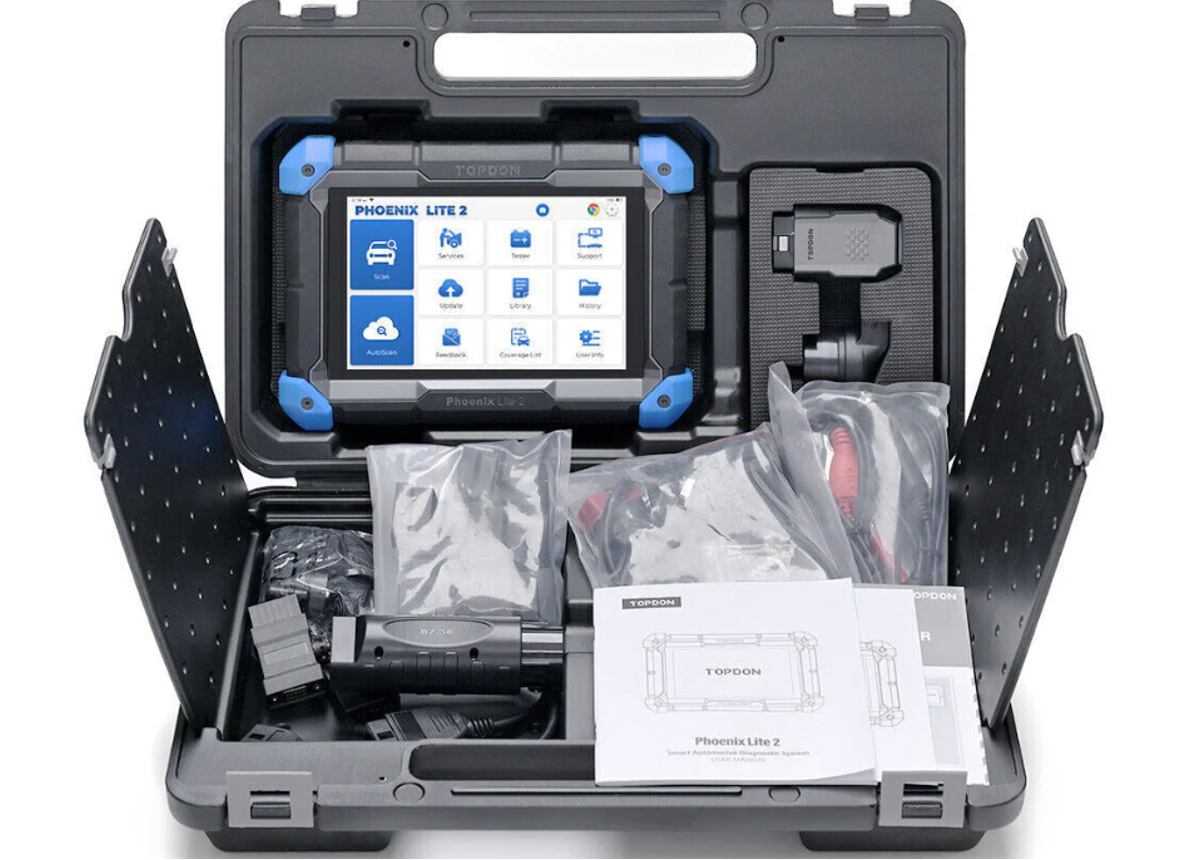
The Topdon Phoenix Lite 2 sits at the top of the consumer/prosumer segment a genuine shop quality diagnostic tablet that bridges the gap between home mechanic tools and full professional equipment. If you are working on multiple vehicles regularly and want the closest thing to dealer level diagnostic depth, this is the category it occupies.
What it does well: Exceptionally deep bi-directional coverage across domestic and import makes. 40+ service functions. DoIP and CAN-FD protocol support for 2020+ vehicles that use newer communication architectures. Large touchscreen with excellent live data graphing. OBD2 topology mapping to visualize all modules on the vehicle. Build quality is genuinely shop grade. Strong coverage for European makes.
Where it falls short: The upfront cost of approximately $800 is steep, and the software subscription of approximately $300 per year after the first two years is the highest in this guide. The total three year cost of ownership exceeds $1,400. For a home mechanic who uses the tool occasionally, this is hard to justify. The tool is also more complex than most home mechanics need depth and complexity scale together here.
Real-world use case: A dedicated car enthusiast who works on three or more vehicles regularly, including newer European models, and can spread the subscription cost across real, frequent use. Not the right starting point for most home mechanics but a legitimate upgrade destination for the most serious ones.
Price: approximately $800. Software subscription approximately $300/year after Year 2.
6. Autel MaxiCOM MK808BT Pro — Professional Credibility with Ongoing Costs
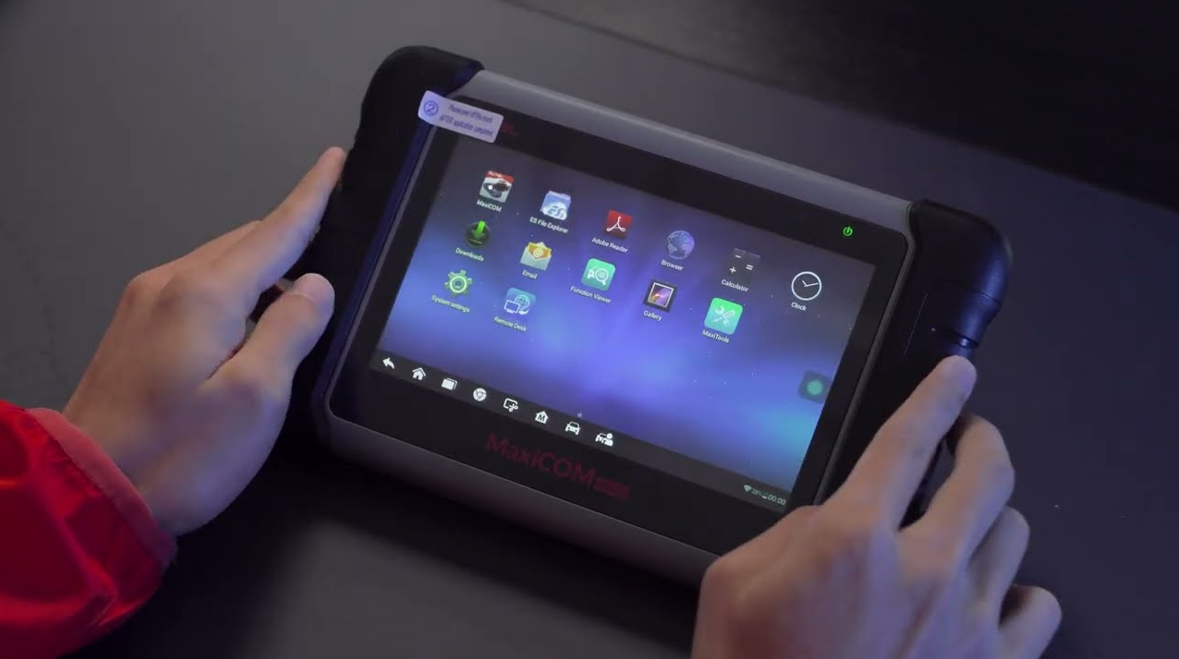
Autel is one of the most recognized names in professional diagnostics, and the MK808BT Pro is their most competitive mid range offering for the serious home mechanic or small shop. It is a genuinely capable tool well built, broadly compatible, and backed by years of Autel’s development in the professional market.
What it does well: Full system diagnostics across 80+ vehicle makes. Strong bi-directional test coverage. 28+ service functions. AutoAuth support for FCA SGW equipped vehicles (2018+ RAM, Jeep, Dodge, Chrysler). Android 11 platform with Wi Fi for updates and printing. The Autel community is large, with extensive forum support and documented procedures for specific vehicles.
Where it falls short: The annual software update subscription of approximately $125 per year after the first two years is a real ongoing cost. Over five years, the total cost of ownership approaches $900. There is no built in repair guidance or video library. The interface, while capable, is denser and less beginner friendly than the YOUCANIC. For a home mechanic, you are paying partly for brand recognition that does not translate into better results on the driveway.
Head-to-head with YOUCANIC: At similar price points, the YOUCANIC UCAN-II Pro matches the MK808BT Pro on bi-directional coverage, exceeds it on service function count, adds built in AI guidance and a free repair library, includes US-based support, and has no subscription fee. The Autel advantage is brand familiarity and its existing community real benefits, but increasingly hard to justify as the primary buying reason.
Price: approximately $549. Software update subscription is approximately $125/year after Year 2.
7. Foxwell NT301 Plus — Reliable Engine-Code Backup Tool

The Foxwell NT301 Plus is not a full system scanner and does not compete with any other tool in this guide on capability. The Foxwell NT301 Plus is included here because it is one of the most widely recommended scanner.
What it does well: It reads and clears engine codes, displays live data, checks readiness for emissions testing, and has a battery health test that the standard NT301 does not have. It boots instantly, runs off the OBD2 port, has a readable screen in sunlight, and has reliable hardware. At $70, it is an excellent dedicated engine code reader.
What it cannot do: No ABS codes, no airbag/SRS codes, no transmission diagnostics, no TPMS module access, no bi-directional controls, no service reset functions. A home mechanic who needs to retract electronic parking brakes for a brake job, bleed ABS electronically, or reset a battery registration cannot do any of that with this tool.
Real-world use case: A secondary tool to keep in a vehicle for quick engine code checks, or a starting point for someone who will upgrade soon. Not a standalone solution for a home mechanic who services their own vehicle comprehensively.
Price: approximately $70. No subscription fees.
Side-by-Side Comparison
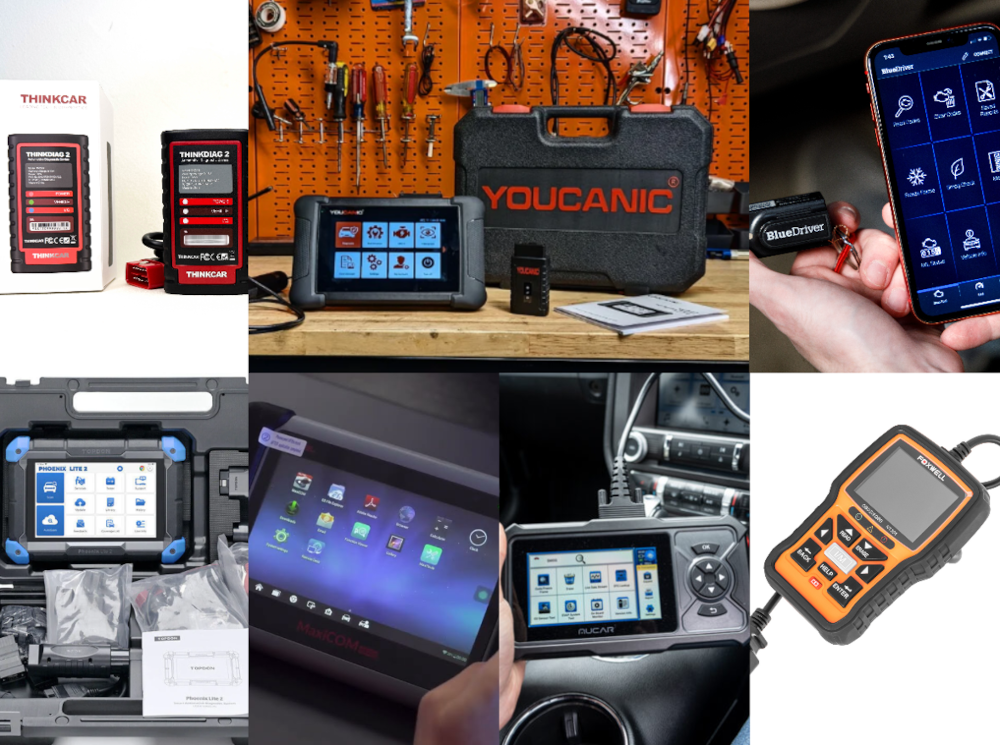
| Scanner | Full System | Bi-Di | Live Data | Service Fns | Subscription | US Support | Price |
| YOUCANIC UCAN-II Pro | ✅ Yes | ✅ Yes | ✅ Graph+text | ✅ 40+ | ❌ None ever | ✅ Maryland | ~$400–500 |
| BlueDriver Pro | ✅ Yes | ❌ No | ✅ Graph+text | ⚠️ Ltd | ❌ None | ✅ Canada | ~$100 |
| Mucar CDE900 Pro | ✅ Yes | ✅ Yes | ✅ Graph+text | ✅ 30+ | ⚠️ Paid upd. | ❌ No | ~$200 |
| ThinkCar ThinkDiag 2 | ✅ Yes | ✅ Yes | ✅ Graph+text | ✅ 25+ | ⚠️ Brand fees | ❌ No | ~$80–150* |
| Topdon Phoenix Lite 2 | ✅ Yes | ✅ Yes | ✅ Graph+text | ✅ 40+ | ⚠️ ~$300/yr | ❌ No | ~$800 |
| Autel MK808BT Pro | ✅ Yes | ✅ Yes | ✅ Graph+text | ✅ 28+ | ⚠️ ~$125/yr | ❌ No | ~$549 |
| Foxwell NT301 Plus | ❌ Engine | ❌ No | ✅ Text only | ❌ Min. | ❌ None | ❌ No | ~$70 |
* ThinkCar ThinkDiag 2 hardware price shown. Brand-unlock fees per vehicle make are additional.
Scenario Guide: Which Scanner for Which Job?
The best scanner depends on how you work. Here are the most common DIY home mechanic scenarios and which tool fits best:
| Scenario: Weekend brake jobs, oil changes, and routine maintenance resets
You need EPB retraction for rear brakes, oil service reset, battery registration, TPMS relearn after rotations. The YOUCANIC UCAN-II Pro handles all of this. The Mucar CDE900 Pro also covers these functions at lower cost. The BlueDriver does not. |
| Scenario: Diagnosing an intermittent misfire or fuel trim issue
You need graphical live data fuel trims, O2 sensors, misfire counters running simultaneously. YOUCANIC, Mucar, Autel, and Topdon all graph live data. BlueDriver graphs well via the app. The Foxwell NT301 Plus shows text only. |
| Scenario: ABS or airbag warning light on a modern vehicle
You need full system access. YOUCANIC, BlueDriver, Mucar, ThinkCar, Autel, and Topdon all read these modules. The Foxwell NT301 and NT301 Plus do not engine codes only. |
| Scenario: Confirming whether a component is bad before ordering parts
You need bi-directional controls to activate the component and verify its response. YOUCANIC, Mucar, ThinkCar, Autel, and Topdon support active tests. BlueDriver and Foxwell do not. |
| Scenario: European vehicle with complex module requirements
YOUCANIC covers the vast majority of European diagnostic and service needs for DIY mechanics. For rare online coding or SCN programming (specific module replacement on BMW/Mercedes), a dealer tool or Topdon Phoenix Lite 2 may be needed. This scenario is uncommon in home use. |
Final Verdict
For the DIY home mechanic in 2026, the YOUCANIC UCAN-II Pro is the clearest recommendation across the widest range of use cases. It delivers the bi-directional capability, service functions, live data, and full system coverage that define a professional grade scan tool without the subscription fees that follow you for the life of the device, and without the brand unlock games that inflate the real cost of competitors.
What separates it further is the ecosystem behind it. A home mechanic does not just need a scanner that finds faults. They need to know what to do next. YOUCANIC’s library of free repair guides, vehicle specific diagnostic walkthroughs, and how to videos is the closest thing available to having a knowledgeable technician looking over your shoulder and it is free with the scanner.
BlueDriver is the right call if your budget is $100 and bi-directional testing is not a priority. Mucar is a legitimate mid range choice if budget is tight and you are comfortable with the update cost structure. Autel carries real professional credibility. Topdon suits the most serious enthusiasts who will use it heavily. ThinkCar works for single brand garages on a tight budget.
But for the home mechanic who wants one tool that covers everything they will encounter today and three years from now the YOUCANIC UCAN-II Pro is where that search ends.




)